Q.
How can I change my registered email address?
A.
You can change your registered email address from [My Account]
How to change your email address
1. Please sign-in your BOOK☆WALKER account with your current email address and password or external account
2. Access My Account > Personal Information > Email Address > Edit
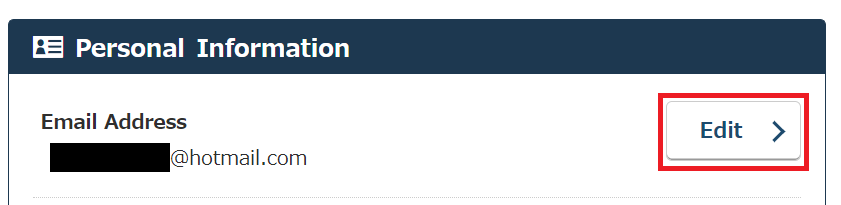
3. Input your new email address and your current password and click “Save changes”
If you forgot your password
Please reset your password as follows:
Registered via email address
- Access the “Reset password” page
- Input your registered e-mail address and submit
- You will receive the following Password Assistance e-mail
Sent from: noreply@bookwalker.jp
Subject: [BOOK☆WALKER] パスワード再発行のご案内 / Password Assistance - Click the URL in the email, fill in your registered birth year/month as well as your gender
*URL to reset password is only valid for 24 hours.
Please contact our customer support with the following information if you have no longer access to the email address registered to BOOK☆WALKER or forgot your email address.
- Registered email address or possibly registered email addresses
- Birth Year/Month
- Gender
- Titles of purchased eBooks (ex. your name., Vol. 1 / Manga / December 3, 2018)
Registered via external account
- Reset the password of your external account
- Check if you are able to sign-in to your BOOK☆WALKER account from “Sign in with below account”
 FAQ
FAQ