Q.
What are “Unpurchased Sequels”?
Unpurchased Sequels are volumes/chapters of purchased series that you have not yet bought
How to check “Unpurchased Sequels”
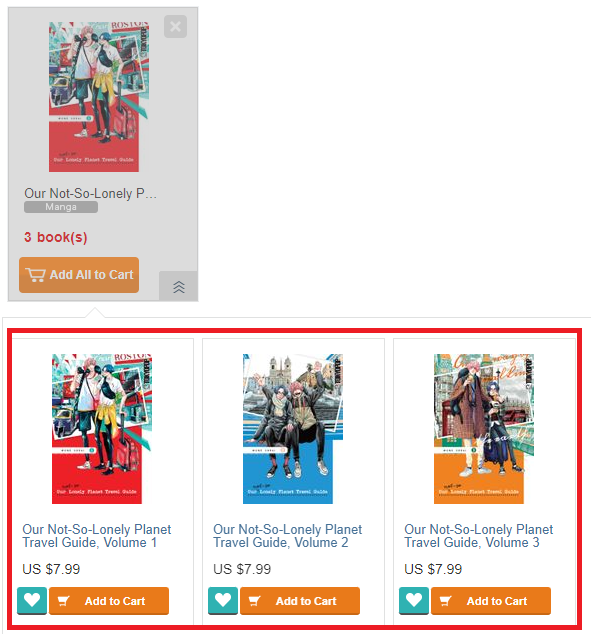
You can check your unpurchased book data from the Unpurchased Sequels page via Menu > Buy Sequels

By clicking the arrow symbol at the bottom right corner, you can check which volumes/chapters are unpurchased.

↓
How to delete a series from “Unpurchased Sequels”
You can completely delete a series from the list by clicking the [x] button at the upper right corner.

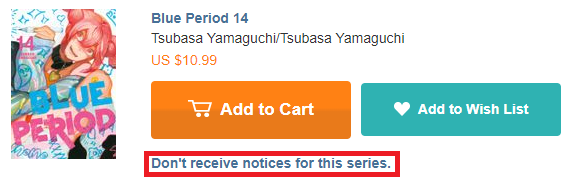
You will also receive a “Release Update” of unpurchased series to your Message Inbox, from where you can also remove them by clicking “Don’t receive notices for this series” button.
Notes
Series from which all volumes have been moved to the Archive will not show up in the list.
The list is not updated in real time.
 FAQ
FAQ